

Appearance
Base Tag
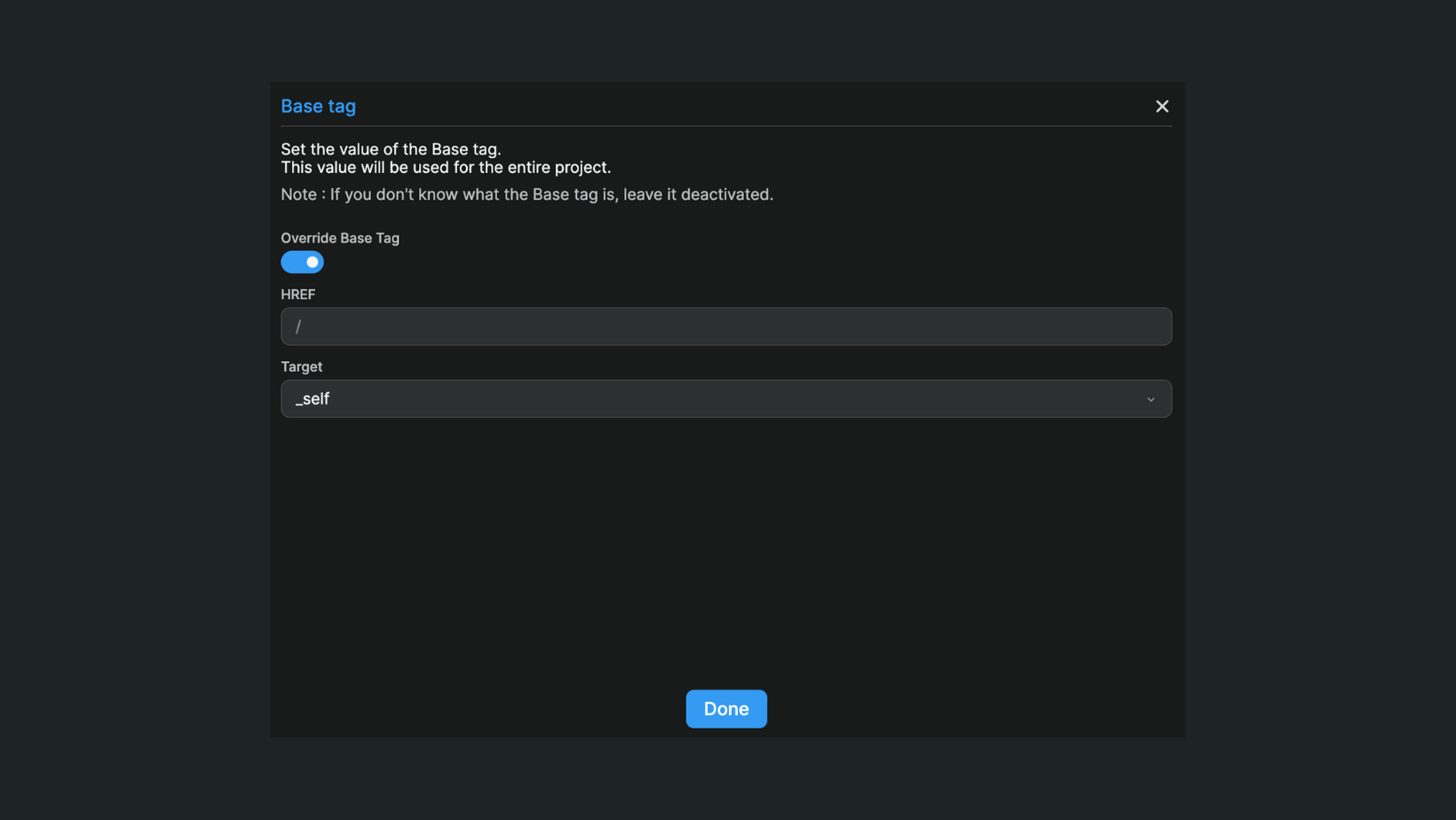
The Base Tag setting allows you to override the HTML <base> element in your WeWeb application. This is an advanced feature primarily used when self-hosting your application on a specific subpath.
WARNING
Changing the base tag is an advanced feature that should only be used if you fully understand what you're doing. Incorrect configuration can break your application's routing, assets, and links.
Accessing base tag settings
To configure the base tag:
- Open the
Settingstab in the top bar and clickInterface Settings - Under the
Advancedsection, clickBase Tag
This opens the base tag configuration modal.
What is a base tag?
The HTML <base> element specifies the base URL for all relative URLs in a document. It affects how browsers resolve paths for:
- Links (
<a href="...">) - Images (
<img src="...">) - Scripts (
<script src="...">) - Stylesheets (
<link href="...">) - Forms (
<form action="...">)
By default, WeWeb sets the base tag to /, meaning all relative URLs are resolved from the root of your domain.