

Appearance
Library dependencies
What is a dependency?
Encountering dependencies is inevitable when working with libraries.
When using WeWeb libraries, there are three types of dependencies to be aware of:
- Integration dependencies
- Library dependencies
- Coded component dependencies
When you publish, add, or update a library in WeWeb, it's important to be aware of these dependencies.
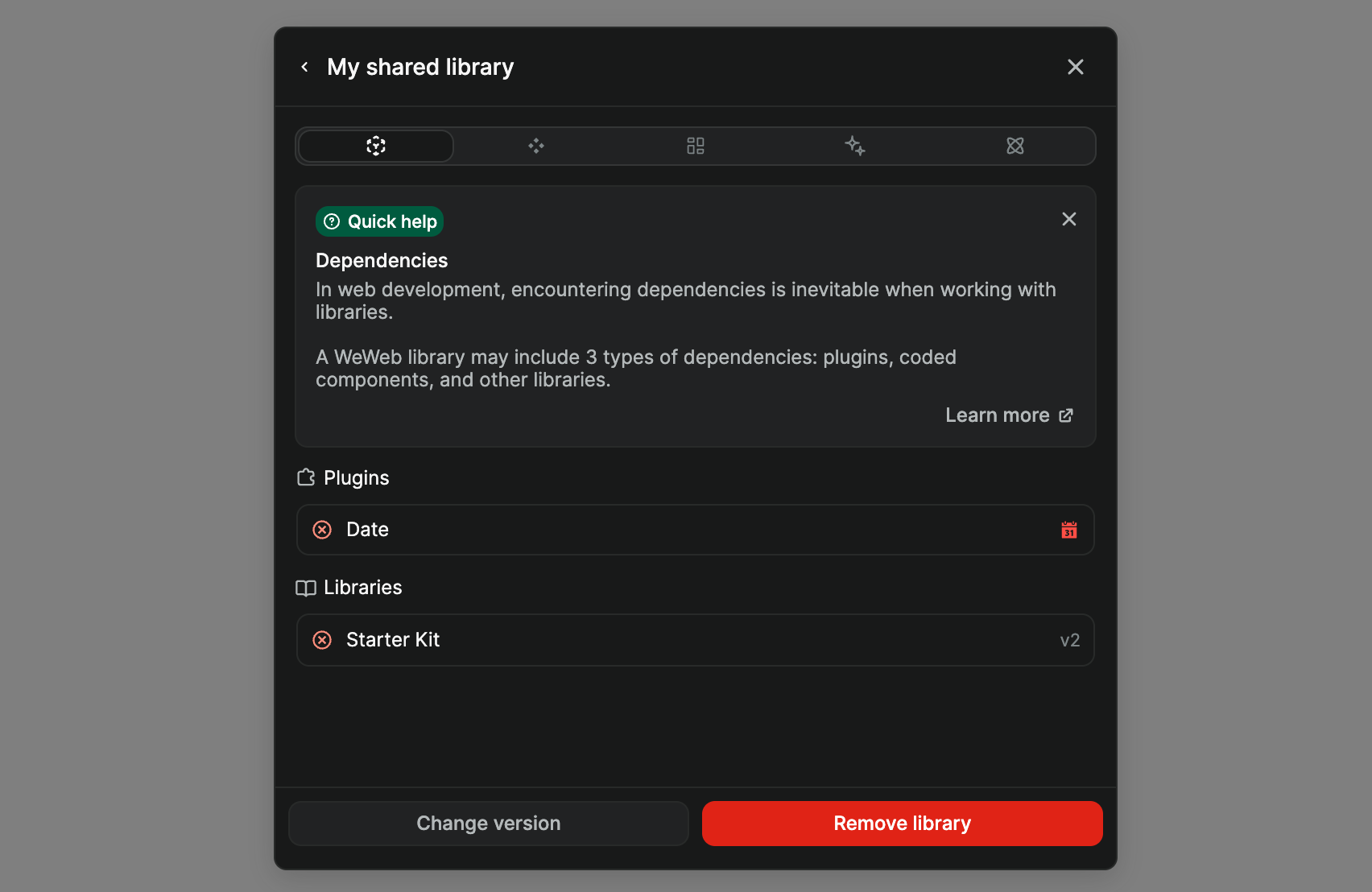
In the example below, you can see that this library has two dependencies, one to the Date integration, and one to the Starter Kit library:
Integration dependencies
An integration dependency occurs when a component, class, or template within the library relies on an integration.
For example, if Library A includes a date picker component that requires the Date integration, you'll need to add the Date integration to your project for Library A to function correctly.
You can add integrations from the Integrations panel in the Interface left sidebar, or from Data & API → Integrations.
Library dependencies
A library dependency occurs when one library depends on another library.
For example, if Library C uses items from Library D (such as templates, classes, colors, etc.), you'll need to add Library D to your project to fully leverage Library C's capabilities.
Coded component dependencies
A coded component dependency occurs when the library uses a specific version of a coded component.
For this type of dependency, there is no action required on your side. When you add or update a WeWeb library that uses coded components, WeWeb will automatically import or update the coded component to your project.