Appearance
Text formulas
Text formulas are useful to manipulate strings (text data) inside WeWeb.
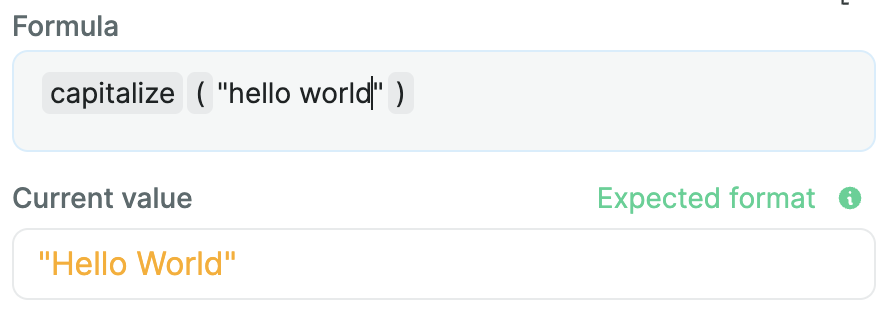
capitalize
This formula will capitalize each word inside a string, meaning it'll replace the first letter of each word by its capitalized counterpart.
Example
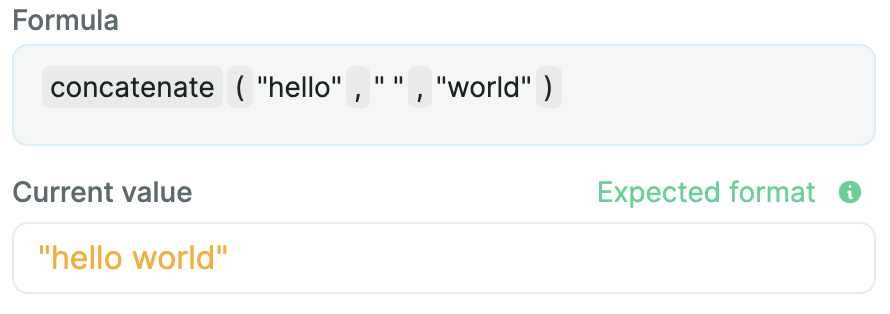
concatenate
The concatenate formula will regroup multiple strings intro one. It's like adding texts to each other.
Example
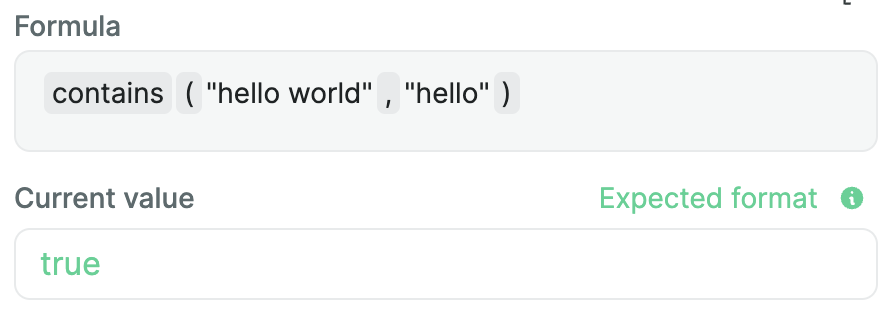
contains
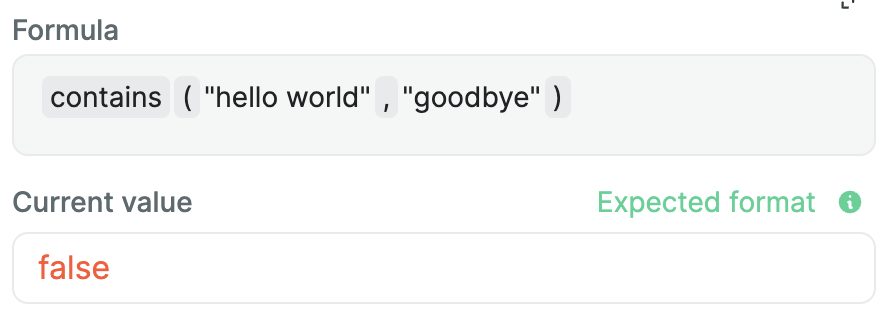
This formula will return a boolean (true or false) according to if a text is present inside another one.
Example
indexOf
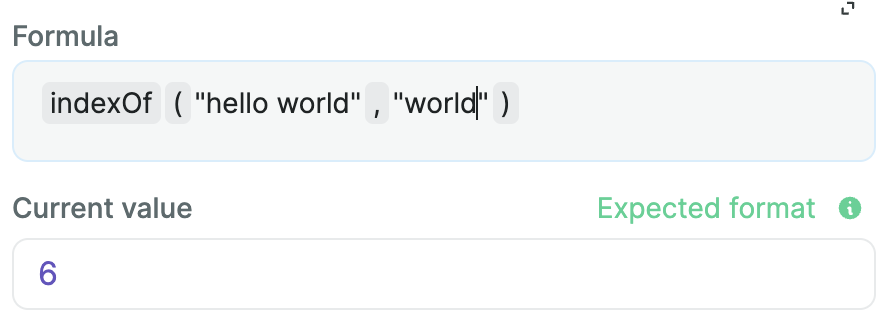
indexOf will return the index of the position of a substring inside a text. If the substring isn't in the initial text, it will return -1.
Example
Let's take the text "hello world", if we were to search the position of the substring "world" inside it, indexOf will return 6 as "world" begins on the sixth index (remember, spaces and special characters do count in strings!).
lower
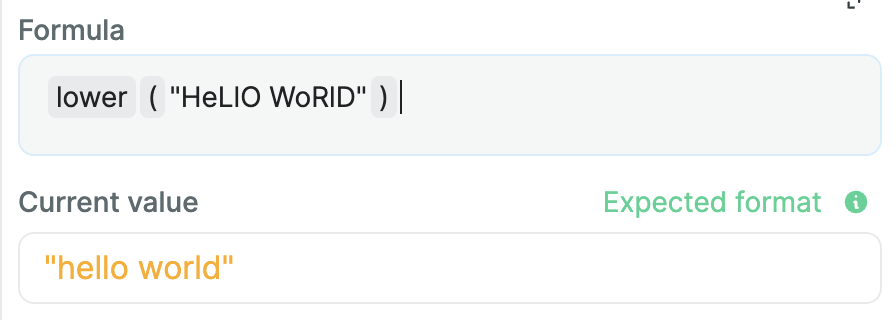
This formula will lowercase a given string.
Example
split
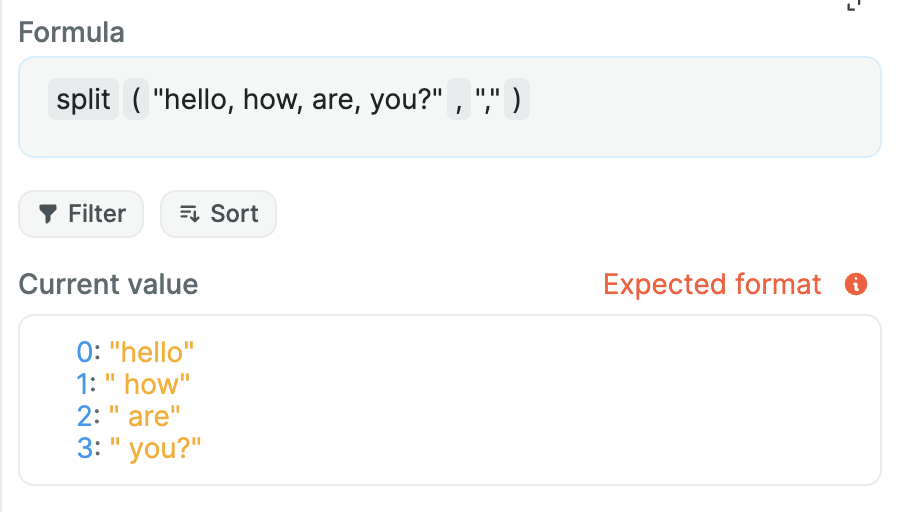
The split formula will separate a text into an array, based on a given separator.
Example
subText
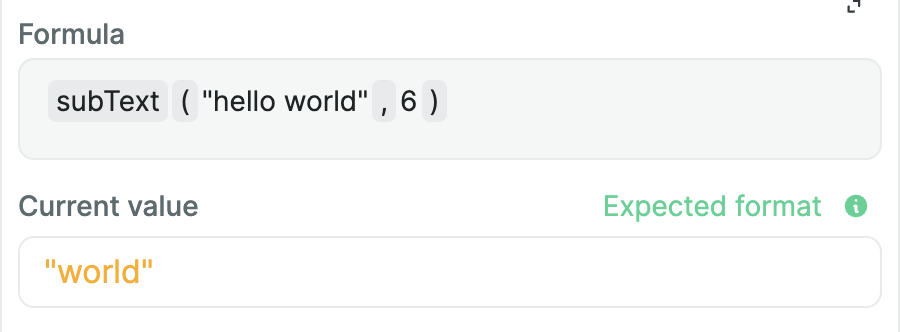
Given a certain text, this formula will return part of it from a given startIndex up to an optional endIndex (not included).
Example
textLength
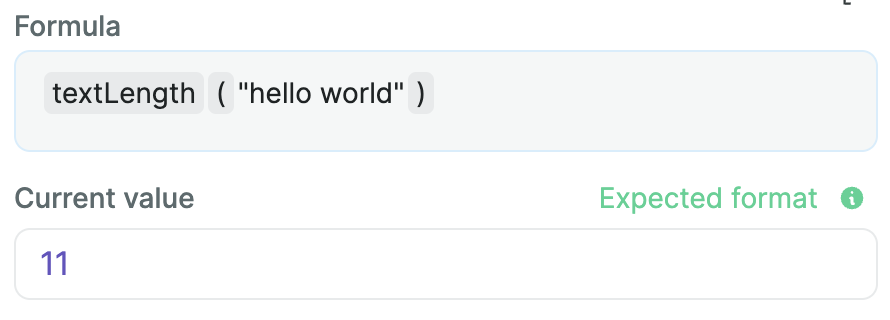
The textLength formula will return the length of a text, meaning its number of characters (spaces and special characters included).
Example
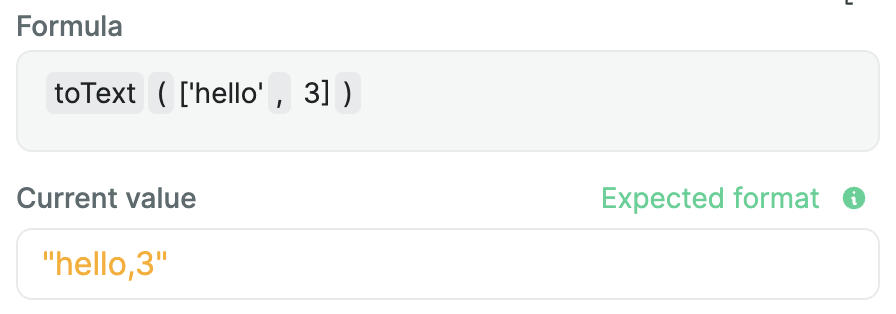
toText
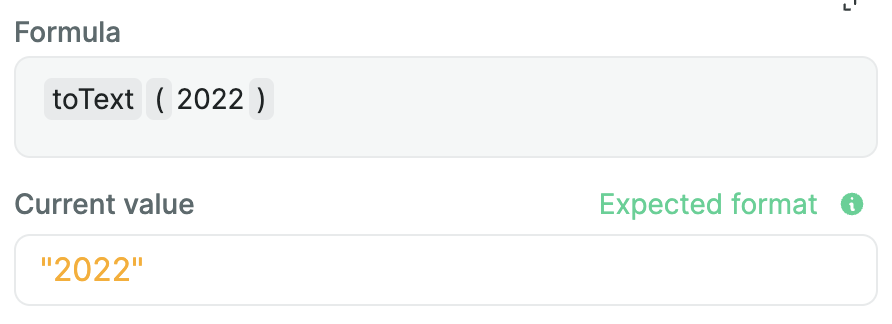
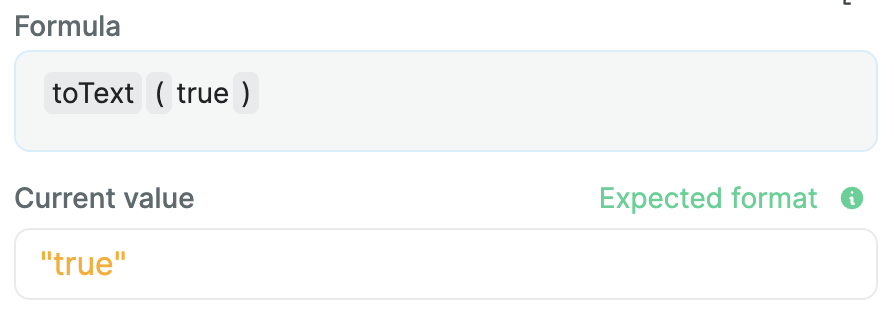
Given a number, a boolean or an array, this formula will return it as a text value.
Example
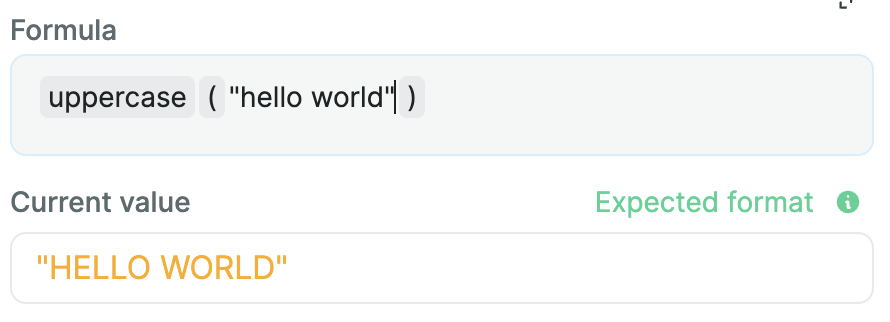
uppercase
This formula will return an uppercased version of a string.
Example